Difference Between Excel and Access: A Practical Guide
Explore the key differences between Excel and Access, covering data models, use cases, collaboration, and data management. Learn when to use each tool and how to blend them effectively.


What these tools are and the core distinction
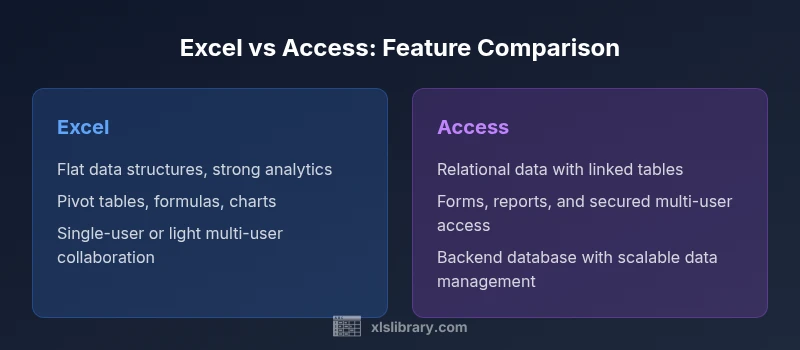
Excel and Access sit at opposite ends of the data-management spectrum. Excel is a general-purpose spreadsheet program designed for ad-hoc analysis, numeric modeling, and flexible reporting. It organizes data in flat grids—worksheets comprised of rows and columns—where data is best understood in the context of formulas and charts. Access is a relational database environment that stores data in linked tables and enforces relationships through keys. The difference between Excel and Access is not merely a feature list; it reflects a fundamental data model choice: flat vs relational. In practice, Excel excels at rapid exploration, scenario analysis, and visual storytelling; Access shines when data needs structure, integrity, and multi-user interactions. For analysts, product teams, and students, recognizing this distinction leads to more durable designs and less rework as data needs evolve. The XLS Library perspective emphasizes starting with the data model before choosing tooling.